
Farview
No account. Cameras, credentials and video stay on the device; what leaves it is diagnostics, and a support report if you write one.
What it looks like
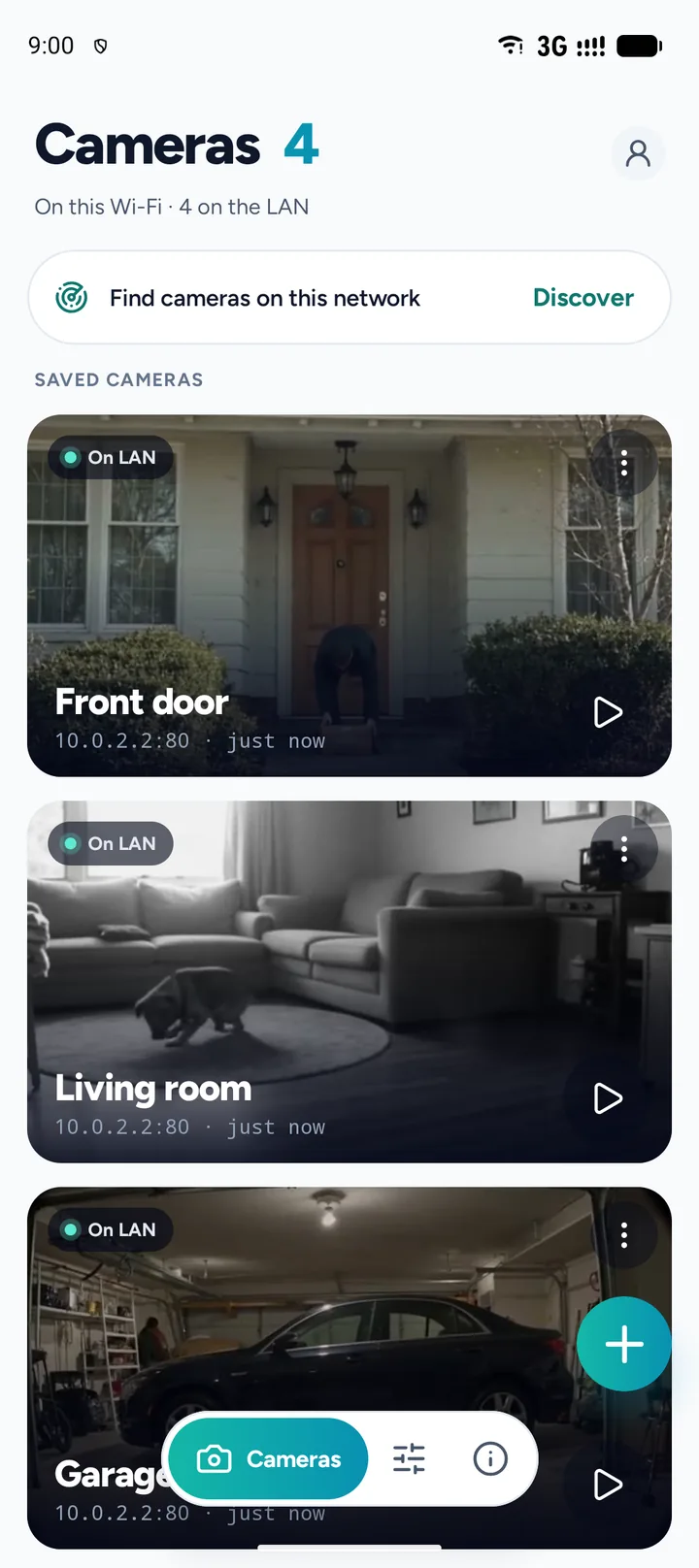
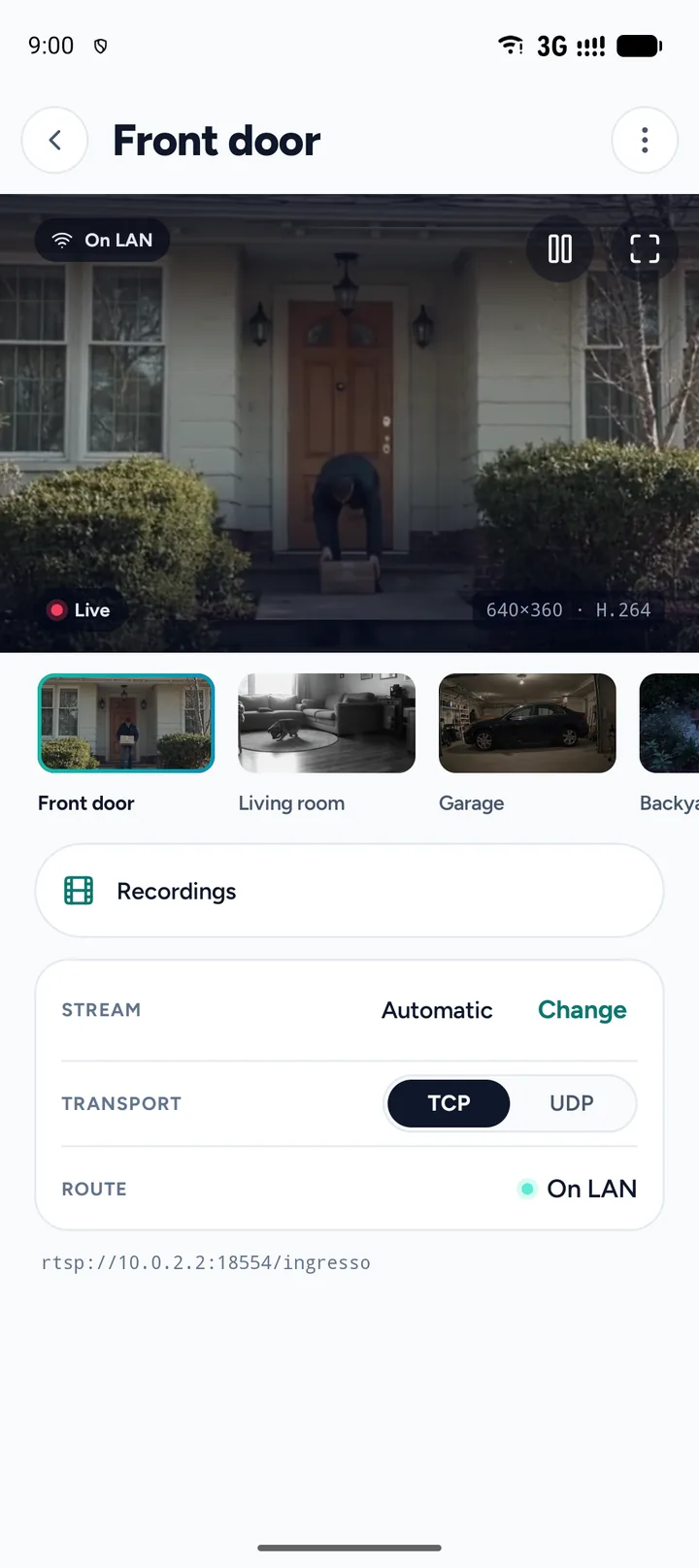
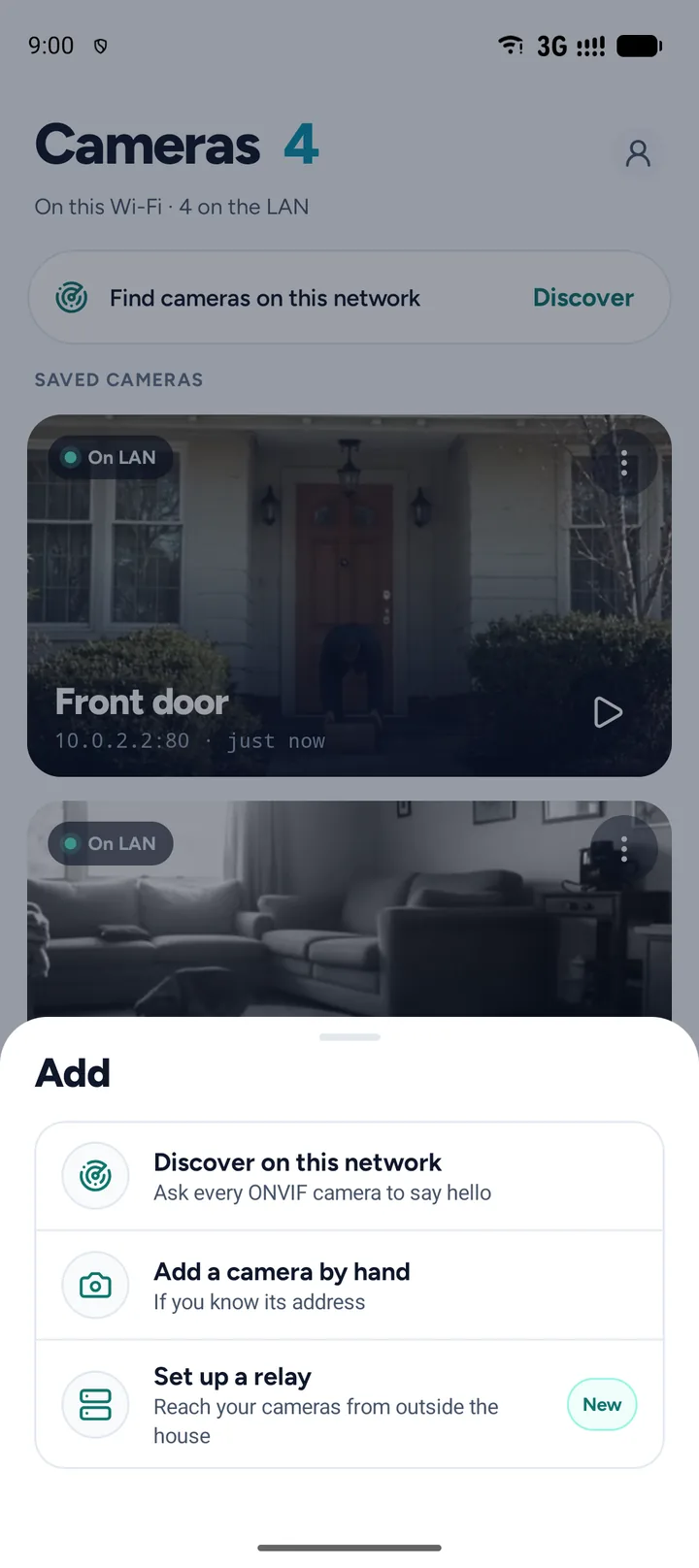
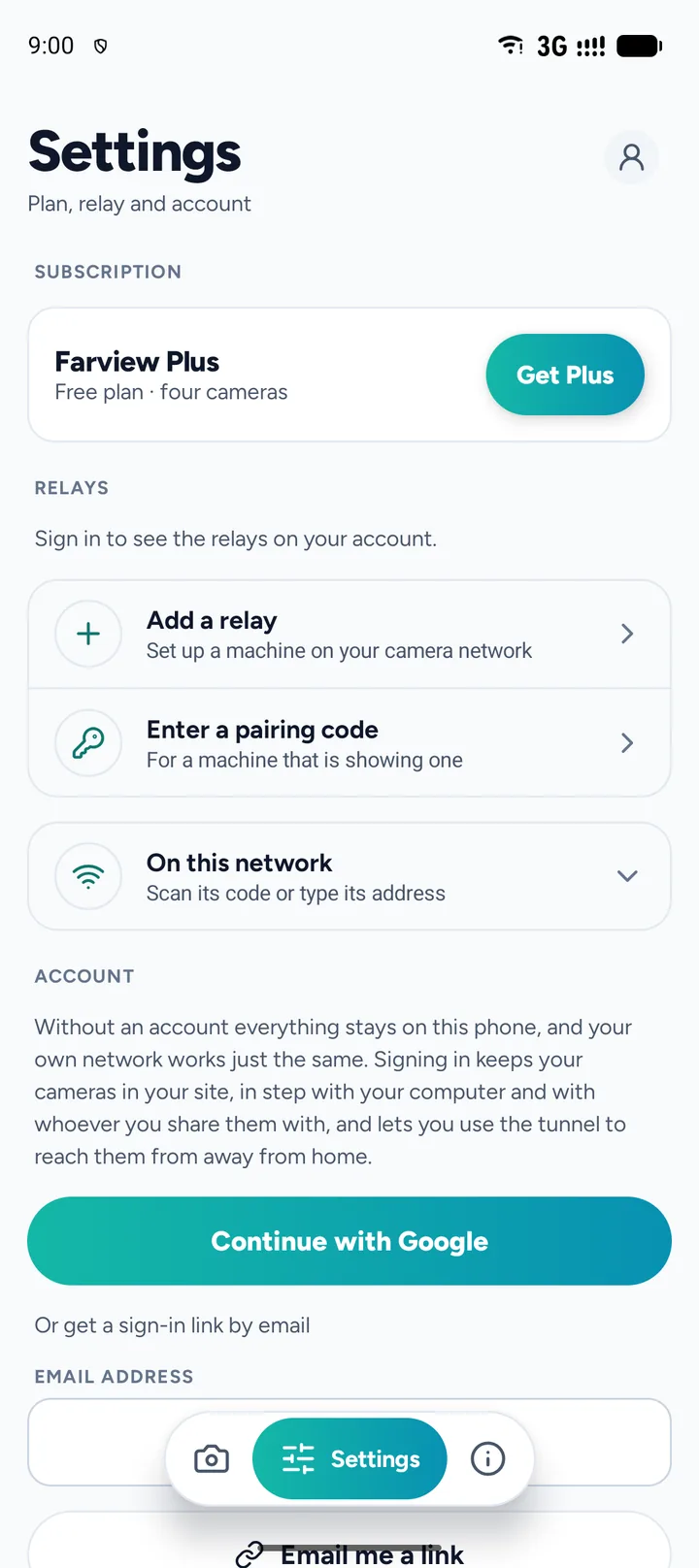
Documents
Common questions
Does Farview need an account?
No. Nothing to sign up for, and every feature works without one. The one place an address is asked for is optional and comes later: reading the reply to a support report, which needs somewhere to reply to.
Which cameras does it work with?
Cameras that speak ONVIF. Farview finds them on the local network by itself, and a camera whose ONVIF is non-standard can still be added by typing its stream URL.
Where are my camera passwords kept?
Encrypted on the device, and nowhere else. They are sent only to the camera itself. Only crash reports and anonymous usage statistics leave the phone.
Can I watch my cameras from outside my home network?
Not through Farview. It plays the streams on the network the phone is connected to; reaching them from elsewhere is a matter for your router or VPN.
Is Farview free?
Yes, within the limits described on its Google Play listing. Farview Plus is an optional subscription that lifts them.
Support
Write to [email protected]. Farview is a Synapsi product, by Ubiquitous S.r.l..